

CodeKit – Web Development Tools
£30.00
For Website Developers who want power, simplicity, and speed in their website workflow when using macOS as their main hardware development platform.
CodeKit is very fast, uses all CPU cores and puts emphasis on being able to automatically compile and minimise code, plus synchronise browsers on code changes. It is very easy to manage npm packages with the intuitive UI, so you have easy access to more than 2 million packages.
CodeKit – Web Development Tools
This is the Web Development Kit of numerous integrated tools that allows you to just get on with efficiently developing websites. If you dislike the command line, prefer graphical UI’s, like things to be intuitive, are fed up with playing about with manual config files, but still want all the power, then this is for you.
First released by Bryan Jones in 2012, one way to describe CodeKit is that it is similar to WebPack, except WebPack is mainly designed for JavaScript. CodeKit covers that and other front-end languages such as Sass and Less, plus has many additional capabilities all contained within one native Mac App graphical user interface. CodeKit is easier to learn, configure and use.
The Award-Winning Developer of AmazingWebDesign.co.uk and other sites has used CodeKit since 2016 (from version 2 onwards) in his website workflows:
“I find CodeKit very useful. It does not get in the way but just ‘hums away’ in the background consistently ‘doing its thing’.
When using CodeKit, I just set it by a ‘drag and drop’ of the main project directory, change a few checkbox settings. I mainly use it for keeping libraries up to date, compiling and minimising code and helping keep a constant record of changed files when working locally. I can push to remote servers at any time, whilst beforehand seeing the immediate effect locally via CodeKit’s browser refresh capabilities . It’s an invaluable, time-saving tool and if I have any questions, Bryan has always helped me out. Good innovative design – Helpful, fair, skilled developer – What more do you need?”
FEATURES / BENEFITS INCLUDE:
-
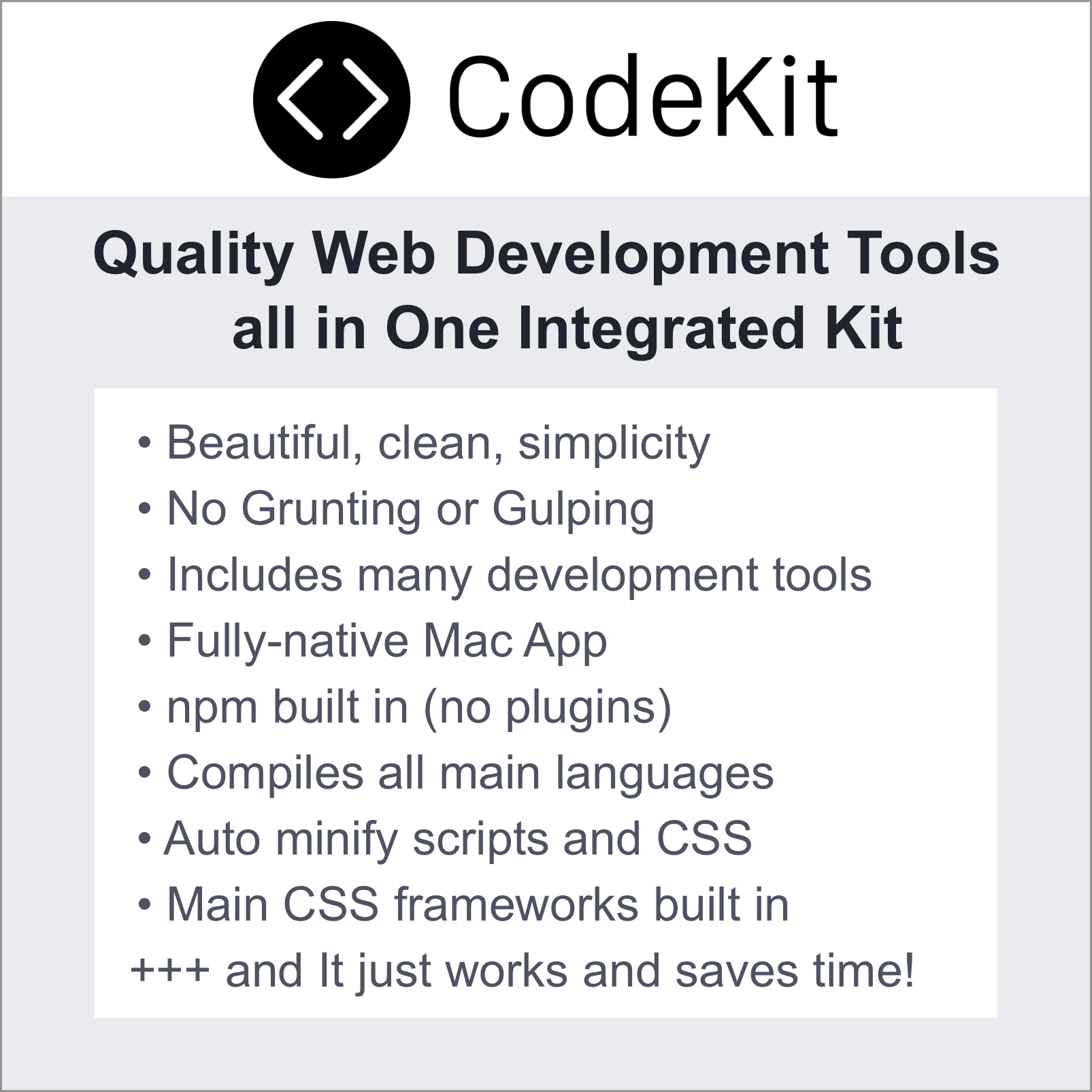
- Compiles Sass, Less, Stylus, CSS, CoffeeScript, Pug, Slim, Haml, TypeScript, JavaScript, ES6, Markdown, JSON, SVG, PNG, GIF and JPEG.
- Simple configuration with checkboxes. E.g. to compress CSS or transpile JavaScript. So no need to build or edit scripts.
- Autoprefixer for vendor prefixes and Babel JavaScript compiler to convert ECMAScript 2015+ code to be backward compatible with older browsers.
- New languages can be added by telling CodeKit simply via the UI, how to process the files.
- CodeKit can automatically refresh and synch all modern browsers (Mac, iOS, Windows) as you work. (even over TLS and without certificates)
- CSS changes are injected into page previews without reloading the whole page, making it easy to style modal content.
- CodeKit helps prevent slow websites via image optimisation, minifying scripts and CSS, Cache Busting and Source Maps for easy inspection of minified code.
- CodeKit has an intuitive built-in UI for npm. Install over 1,300,000 packages with one click, and easily see any outdated items.
- Easy to quickly whip up and configure the latest versions of common front-end framework projects using Bootstrap, Tailwind or Zurb Foundation.
- All the best CSS frameworks are built in. (Bourbon, Neat, Bitters, Susy, Nib, and Jeet). Just add an @import statement to your stylesheet and CodeKit does the rest.
- Code reuse: Keep a single copy of various source code routines used in multiple projects and update in one place with CodeKit doing the recompiles.
- CodeKit uses all your Mac processor’s cores in parallel for faster results.
- CodeKit can coordinate custom shell scripts if required and easily customises your build process with ‘drag and drop’.
REQUIREMENTS:
- Latest version of CodeKit requires macOS 13.5+ (CodeKit will not work on Windows)