

FairOption App v3.2.2 (for Apple Mac)
£29.00
*** GOLD STANDARD OPTION PRICING (Since 2014) ***
FairOption App v3.2.2 (for Apple Mac)
WELCOME to the FairOption App
*** THE GOLD STANDARD OPTION PRICING SYSTEM (Since 2014) ***
Version 3.2 is a super-powerful, easy-to-use option pricing tool completely rewritten using Apple’s latest SwiftUI framework, and now available for numerous Apple devices including iPhone, Mac, iPad and Apple Watch. All versions include syncing of your securities data across all Apple platforms you purchase the App for.
Available here at OnlySelect.com, and at:
FairOption.com : https://www.fairoption.com/
Mac App Store : https://apps.apple.com/gb/app/fairoption-option-pricing/id1641893600
Note:
FairOption 3.2.2 (Latest Mac version with charts) requires macOS 13+ (macOS Ventura or later)
FairOption 3.2.1 (Mac version without charts) requires macOS 12.1+ (macOS Monterey or later)
Upon purchase from us, you can use either version.
VIDEOS
Strategy Graphs
Promo Video
Detailed Video
FEATURES and BENEFITS
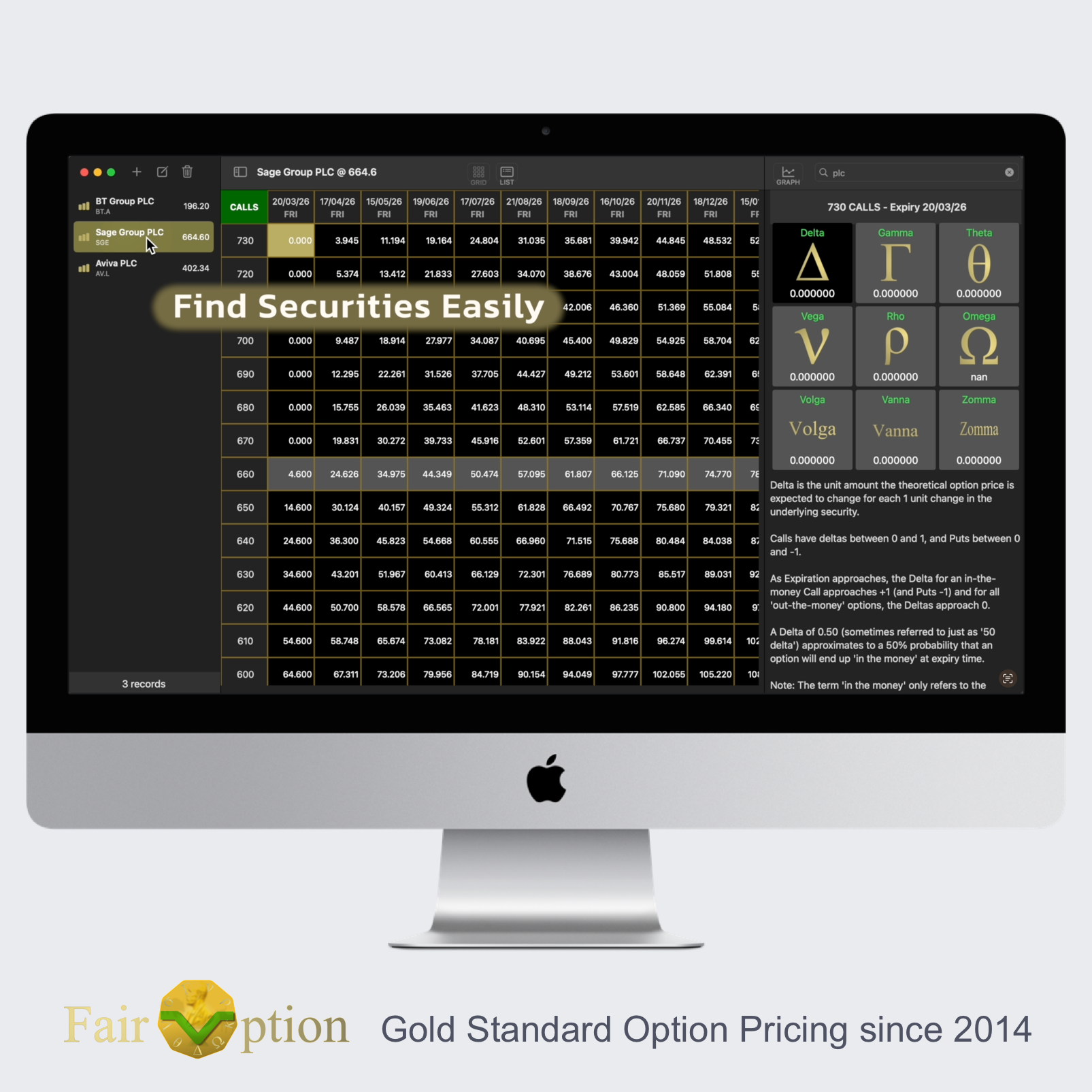
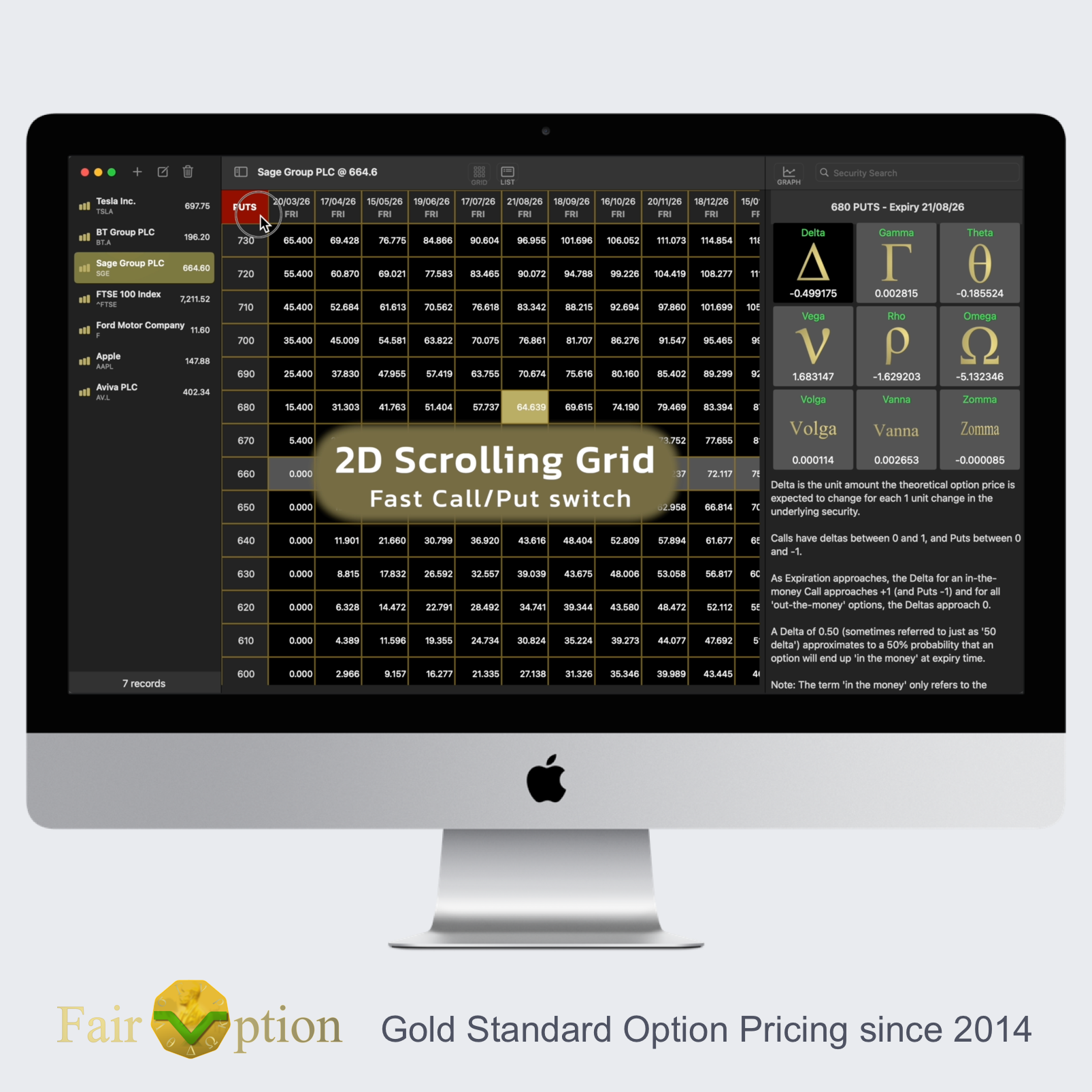
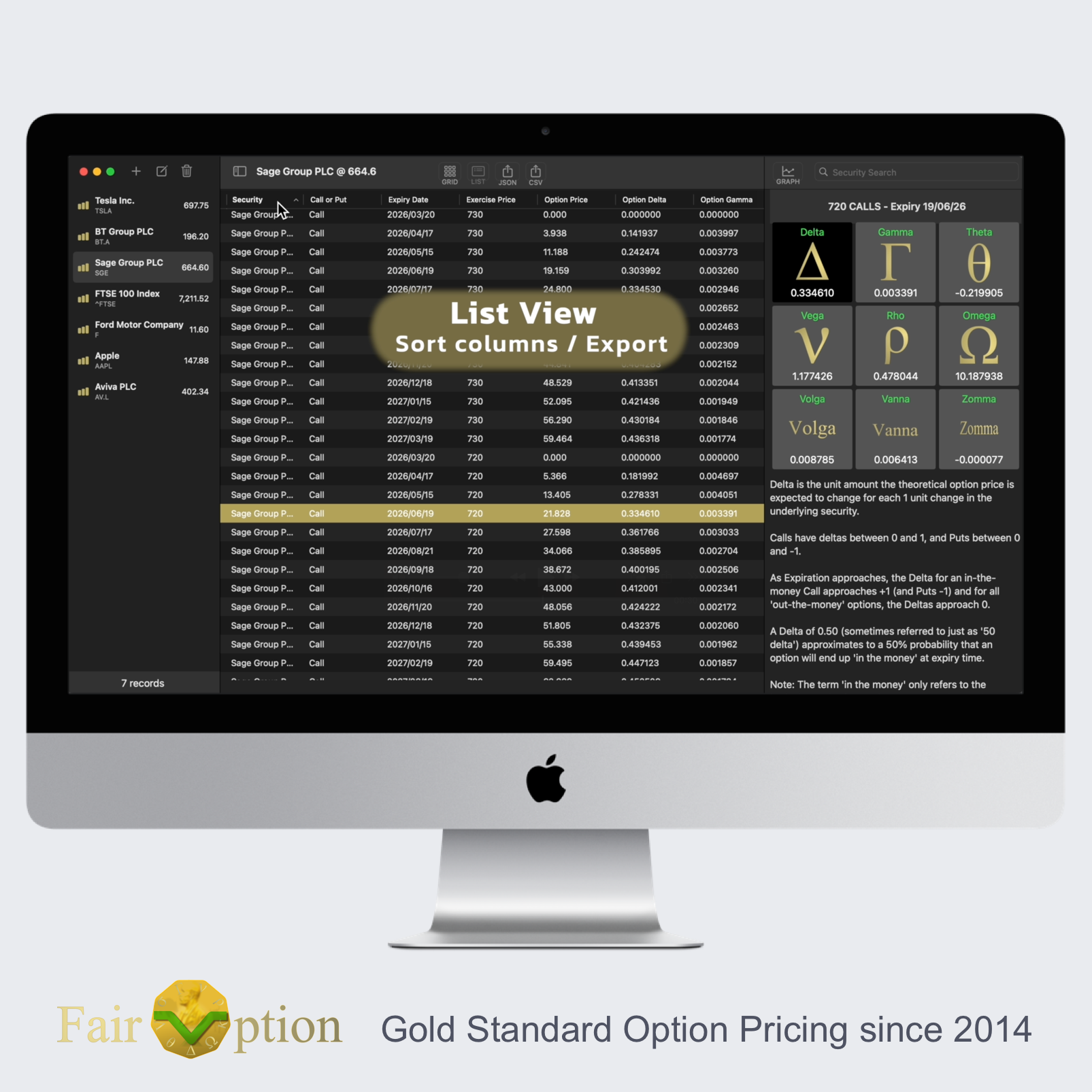
- Fast Option Pricing in a fully interactive, two-way scrollable grid.
(Similar to a spreadsheet display when using freeze panes for left column and top row headings, but in this case together with interative option cells). - The Mac version can also displays option results in a two-way scrollable, sortable, and exportable table view. (Mac version only)
- Works great in Light and Dark Modes (plus in Landscape and Portrait orientations on iPhone and iPad).
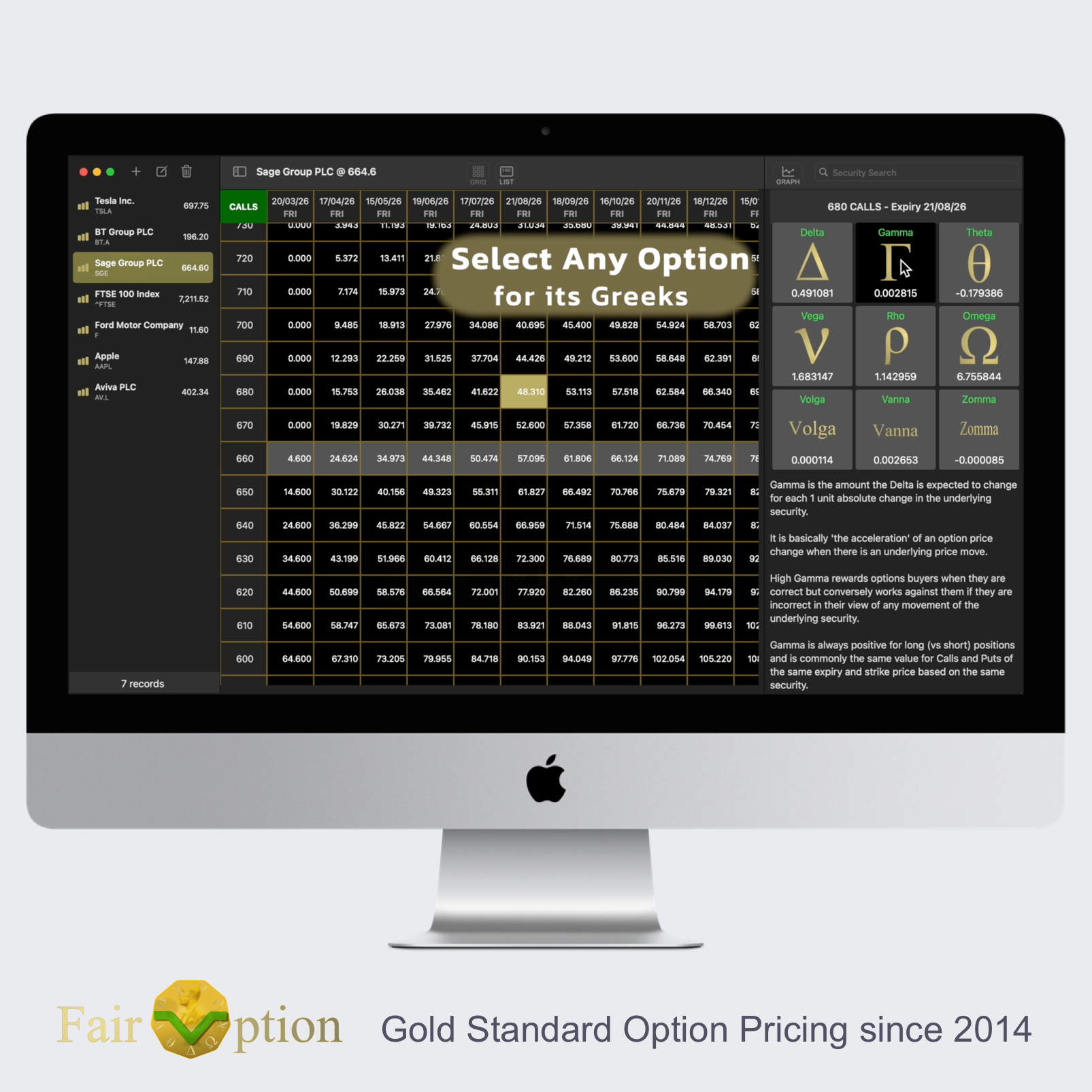
- Greek values are displayed (with descriptions) by a single tap on any option result.
- Auto Sync of securities data between all the Apple platforms on which you purchase the app. The App is supplied per-platform, iPhone & iPad (known as iOS, or strictly iOS and iPadOS) are counted as a single device platform in terms of an Apple App Store purchase). i.e. one iPhone or iPad purchase should cover all the iPhones and iPads you own.
- Comprehensive Help document covering all app features and settings.
- Binomial and Black-Scholes pricing models are included. (The Binomial has an adjustable number of calculation steps and is more suited to American exercise-style options. The Black-Scholes-Merton model is better for pricing European options and is adapted for dividend-paying securities)
- Included Continuously Compounded Interest Rate calculator for input of the risk-free interest rate parameter. With extensive and detailed explanation contained within our help document on how bond (commonly known as Gilts in the UK) rates can be used to determine a suitable ‘risk free’ parameter value for option pricing calculations.
- Automatic strike price intervals that can be easily overridden with 1 tap.
- Three Window Pane arrangement on Mac. (i.e. Apple Mac can size and simultaneously display left securities sidebar, middle pane Option Results, and right Greeks pane)
- Editable default template for all new securities including their option settings.
- Various utilities, including for import/export of securities data to a local file (in JSON or CSV format) for spreadsheet analysis, or backup/restore purposes. (** not included on Apple Watch)
- Demo data utility: to help you get ‘up-to-speed’ together with the Help Document’s ‘Quick Start Guide’.
- Test Calc mode to set a fixed amount of time until option expiry for test and comparison purposes.
- No ‘in-app’ purchases. (It’s already in there!)
- Designed by main Developer with over 30 years’ experience of developing financial and option pricing software.
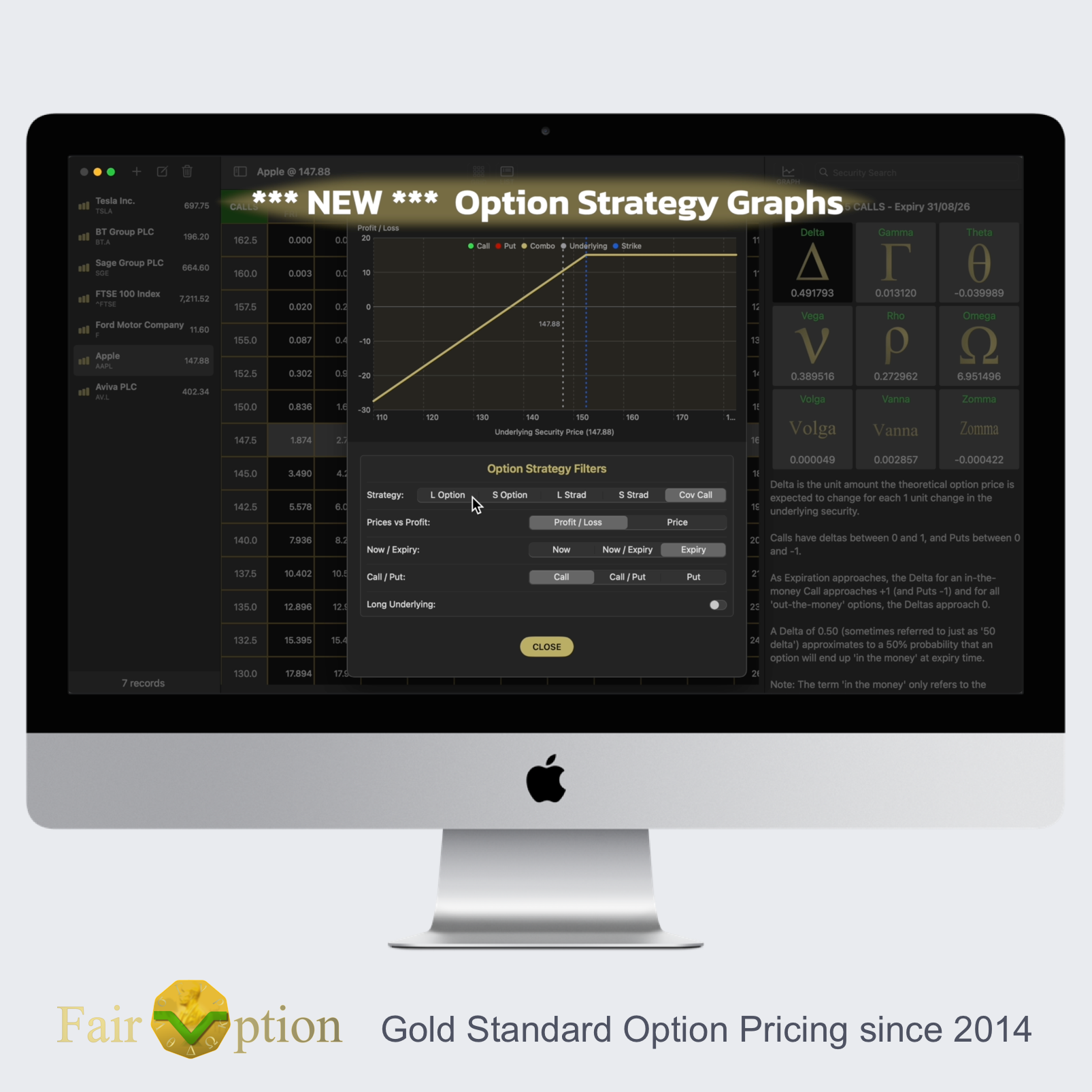
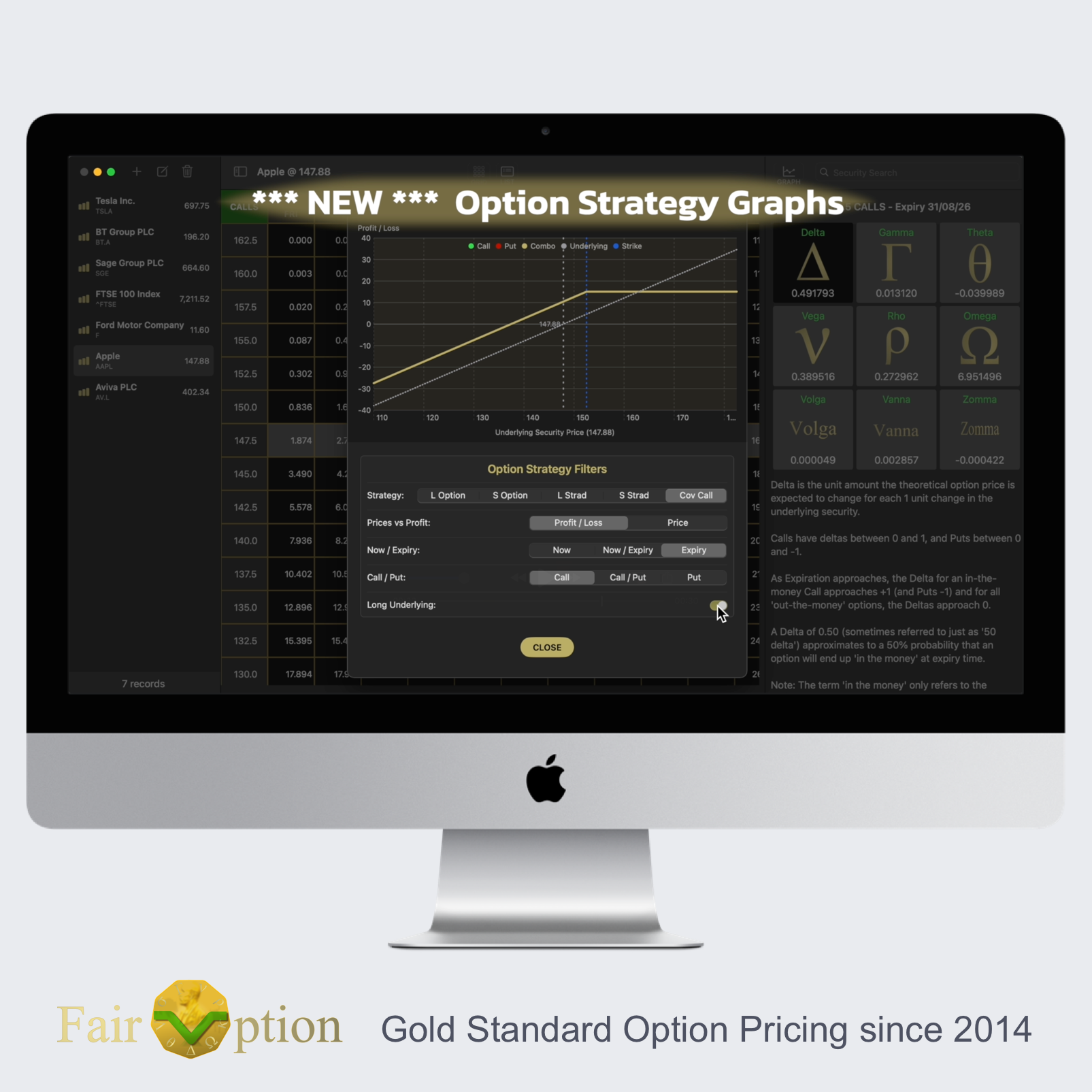
*** NEW OPTION STRATEGY GRAPH MODULE *** (V3.2.2 update released MARCH 2026)
Add GRAPHICAL POWER to your GOLD STANDARD OPTION PRICING Tool!
Upgrade includes integrated flexible charting module incorporating numerous main option strategies.
On selecting any option’s expiry and exercise(/strike) price combination, you not only view a range of greek sensitivities, but now can quickly view an interactive graph of option prices and returns for a range of underlying security values. These graphs are easily customised by single clicks using the intuitive option strategy filters.
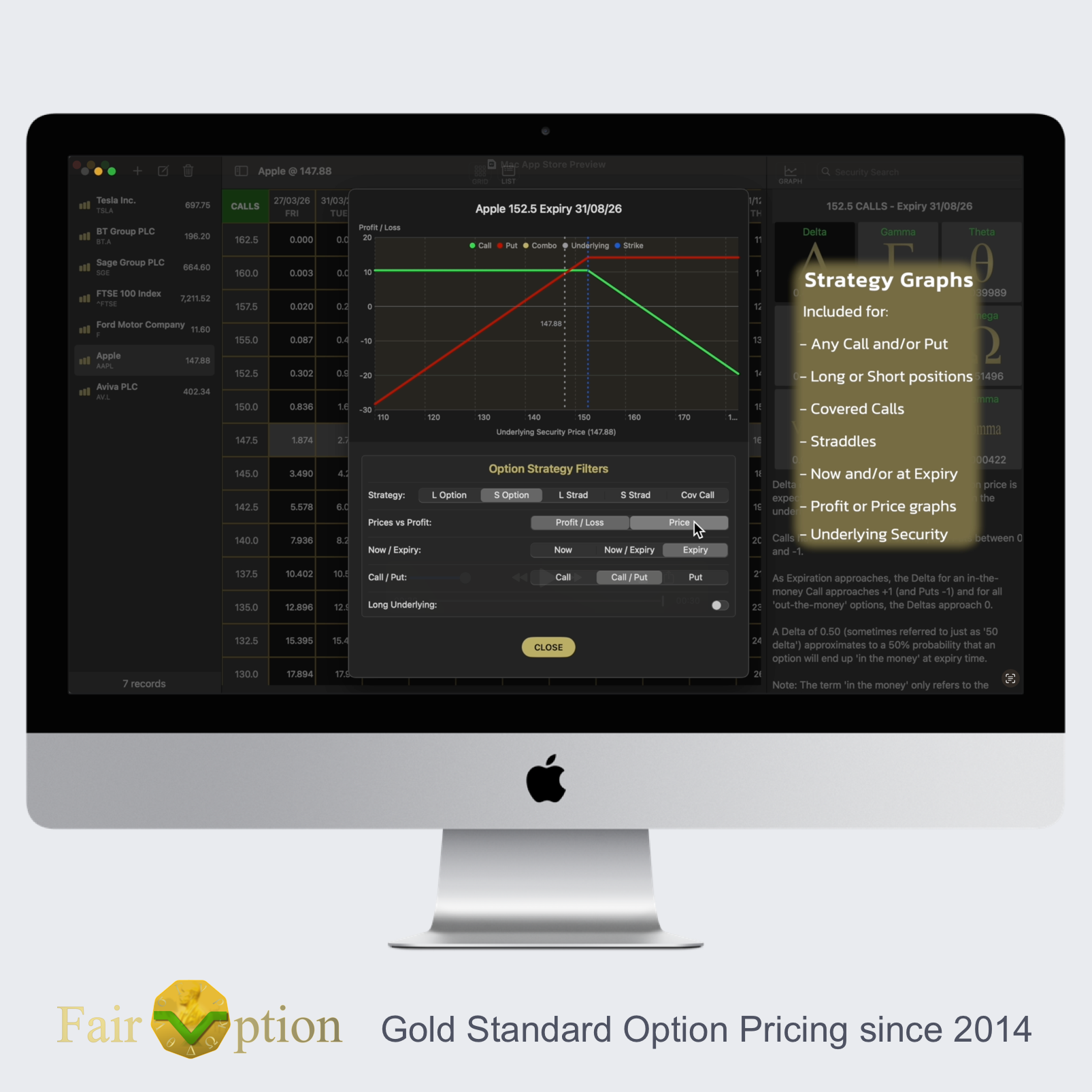
** OPTION STRATEGY FILTERS CURRENTLY INCLUDE:
– Prices for any option, and Profit/Loss for common option strategies for a range of underlying prices.
– Long or Short positions. i.e. Purchased or written/sold options and combination strategies.
– Default Strategies for any call or put option currently include:
– Long Option
– Short/Written Option
– Long Straddle
– Short Straddle
– Covered Call (i.e. writing/selling a call option while holding the underlying/stock)
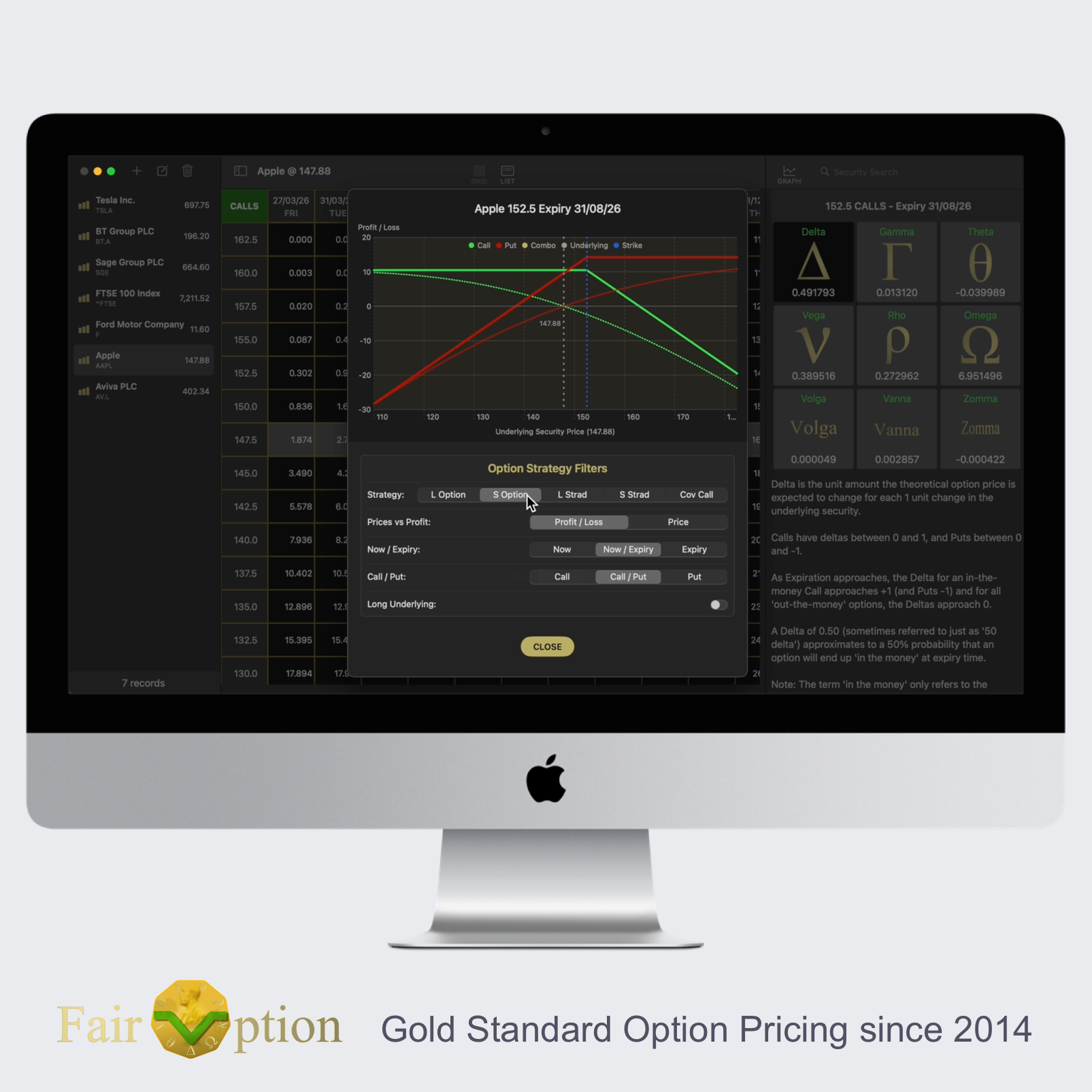
– All graph lines are colour-coded and display for a range of underlying security values, plus can be shown as of now/today and/or for the expiration date.
– Option prices and returns (profit/loss) can be shown for the currently chosen call, put or both the call and put options simultaneously.
– The underlying security (stock or otherwise) can be overlaid on any graph in terms of either price or profit. This is useful for comparative purposes. For example: A covered call option strategy obviously already contains the covered call including the underlying security within the main return (profit/loss) graph plot line. But it can also be useful to compare covered call returns against the returns of just holding the underlying stock/security on its own. Similar comparisons can be useful for simpler non-combinational option positions. With the new FairOption Graphing facility, you can easily do these types of comparison for a range of underlying prices – both as of now, and to indicate the various returns at option expiration.
All our graphs are automatically scaled in terms of x and y-axis, always show the strike and current underlying x-values, and clearly identify the various types of plot lines displayed.
. . . see ‘Strategy Graphs’ video preview for a visual representation.
** REQUIREMENTS:
To use the new Graphing facility in v3.2.2, you will need Apple macOS 13 (Ventura) or later for the Mac, or iOS/iPadOS 16 or later for iPhones/iPads. Graphs are not available on the Apple Watch version since the display is too small for these detailed graphs.
** COST:
All new and existing users of FairOption can enjoy this new chart upgrade, as long as their Apple OS version supports it and they have purchased the App for a compatible Apple platform. (i.e. No additional cost for this upgrade.)
** FAIROPTION APP NAME:
PLEASE NOTE: The FairOption App is available as separate apps for Apple iPhone (incl. iPad), Apple Mac, and Apple Watch. It may be confusing, but the app names on Apple App Stores for FairOption are: ‘FairOption’ for the iOS iPhone/iPad version, ‘FairOption – Option Pricing’ for the Mac macOS version, and ‘FairOption for Watch’ for the Apple Watch watchOS version. The way the Apple App Store system operates is that we are not allowed to have the same app name for these closely related, but independent apps. (i.e. The app name has to be unique on the whole Apple platforms system). However, all three closely related apps do have the same award-winning developer, include common codebase, and are all able to optionally sync via your Apple iCloud account if required.
– ENJOY THE NEW UPDATE! –
VERSIONS FOR OTHER DEVICES
Download FairOption App v3.2.2 on Apple iPhone